
Most local businesses still rely on paper cards that get lost or tossed. A digital business card UK offers a smarter way to share your details instantly, with no hassle and no waste. This guide breaks down how contactless business cards work, including QR code business cards and NFC business cards, and shows you step-by-step how to create and use one to win more leads from local business networking. Grab the free Digital Business Card Checklist and make your first card in under 30 minutes. For more insights, check out this guide to digital business cards in 2023.
What Are Digital Business Cards?
Digital business cards are a modern alternative to traditional paper ones. They provide a quick and easy way to share your contact information without the need for physical exchange. These cards can be updated anytime and shared digitally, ensuring your connections always have your latest details.
Digital vs Paper: The Basics
Digital business cards are stored on your phone or device, ready to share with a tap or a scan. Unlike paper cards, they don’t get lost or damaged. You can include more information, like videos or links to your website, which isn’t possible on paper. This makes them a powerful tool for networking.
Key Benefits for Local Businesses
For local businesses, digital cards can be a game-changer. They help you connect easily with other businesses and potential clients. You can share your contact info instantly, leading to more opportunities. Plus, they can be tailored to reflect your brand, making a lasting impression.
Eco-Friendly Marketing and GDPR Compliance 🌿
Going digital is a step towards a greener business model. Digital cards reduce paper waste, making them an eco-friendly option. They also align with GDPR rules by allowing you to control the information you share and ensure it’s safe, reflecting your commitment to privacy and sustainability.
How Digital Business Cards Work

Understanding the mechanics of digital business cards helps you maximise their potential. You’ll find options like QR codes and NFC technology, each offering a unique way to share your details efficiently.
QR Code Business Card Basics
A QR code business card uses a scannable code to share your information. When someone scans the code with their phone, your contact details appear instantly. This method is accessible and user-friendly. Creating a QR code is simple, and you can update it as needed, ensuring your information is always current.
Understanding NFC Business Cards
NFC (Near Field Communication) business cards allow contact information to be shared with a tap. These cards are embedded with a chip that transfers data directly to another device. It’s a seamless way to ensure your details are easily saved, making networking smoother and more effective.
Apple Wallet and Google Wallet Passes 📱
For Apple and Google users, storing your digital business card in your wallet app can be very convenient. It keeps your card easily accessible and ready to share at any moment. This digital storage also allows for updates and customisation, ensuring your card always represents your latest branding.
Setting Up and Sharing Your Card
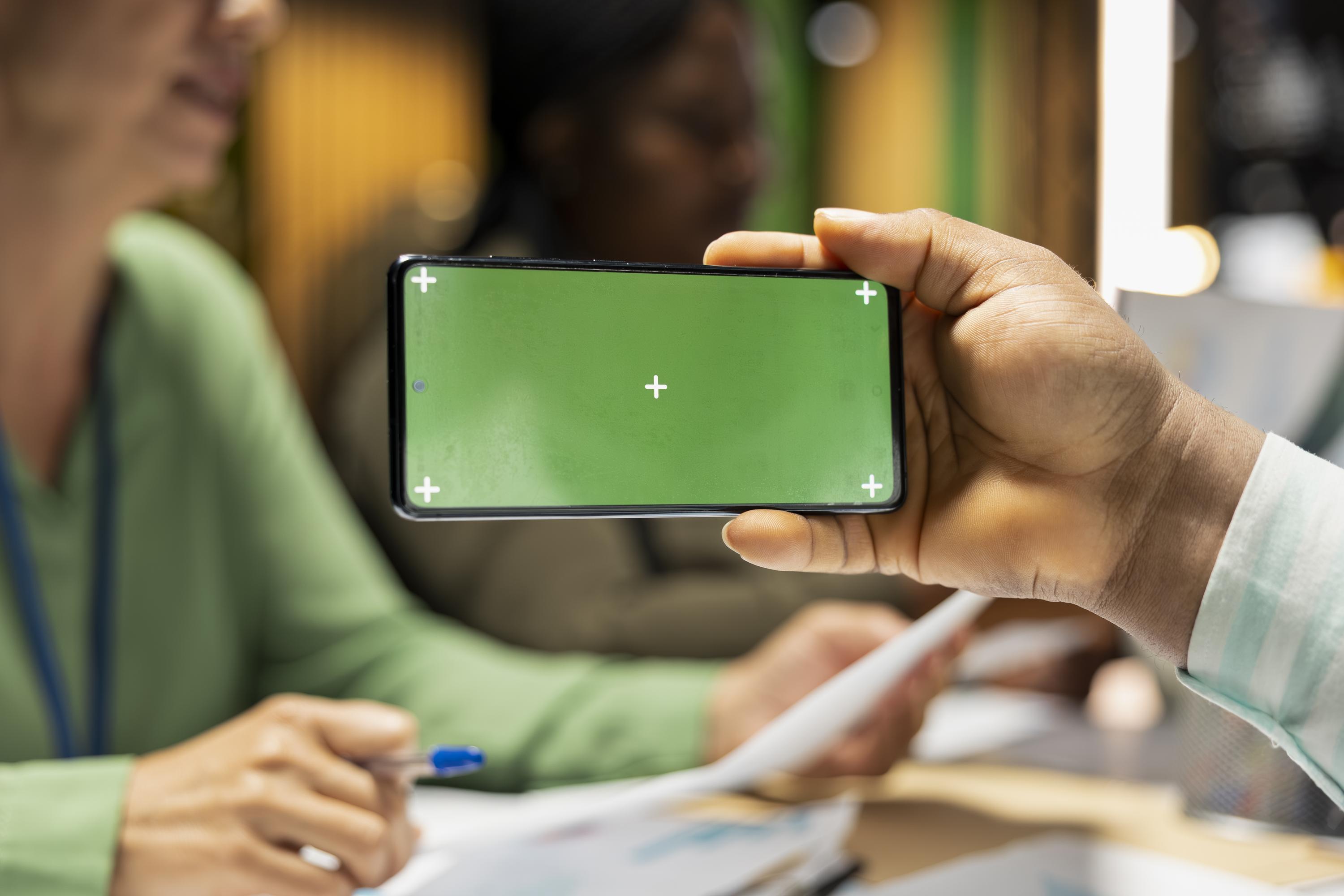
Once you understand the value and technology behind digital cards, setting up and sharing them becomes a straightforward task. Here’s how you can get started.
Step-by-Step Creation Guide
Choose a platform: There are many apps and services designed for creating digital business cards.
Input your information: Include essential details like your name, phone number, and email. Add links to your social media or website.
Customise your design: Use colours and fonts that match your brand.
Generate a QR code or NFC tag: This will be used to share your card.
Test it out: Ensure that all links and details are correct and working.
Effective Sharing and Networking Tactics
When sharing your card, consider the context. In meetings, a quick scan of your QR code can seamlessly provide your details. For a more personal touch, use NFC during face-to-face interactions. Always follow up with a message or email to strengthen the connection.
Tracking Results and Follow-Up Automation 📊
Utilise tools that track when and how often your card is accessed. This data helps you understand your networking impact. Automated follow-ups can be set up to send messages to new contacts, keeping your business fresh in their minds and increasing the likelihood of future collaboration.
Frequently Asked Questions
What is a digital business card?
A digital business card is an electronic version of a traditional business card, allowing you to share your contact details via QR codes, NFC, or through apps like Apple Wallet and Google Wallet.
How do I make a digital business card?
Start by choosing a service or app that offers digital card creation. Input your details, customise the design to fit your brand, and generate a QR code or NFC tag for sharing.
Can digital business cards be eco-friendly?
Yes, digital business cards eliminate the need for paper, reducing waste and aligning with eco-friendly practices, making them a sustainable choice for modern businesses.
Pay Monthly Websites & Ai Automations For Micro & Small Business